






Based in Varanasi since 1997, BABA Advertisers is a leading advertising agency in Varanasi, India, with a rich legacy of driving remarkable sales for our clients through comprehensive digital advertising services.

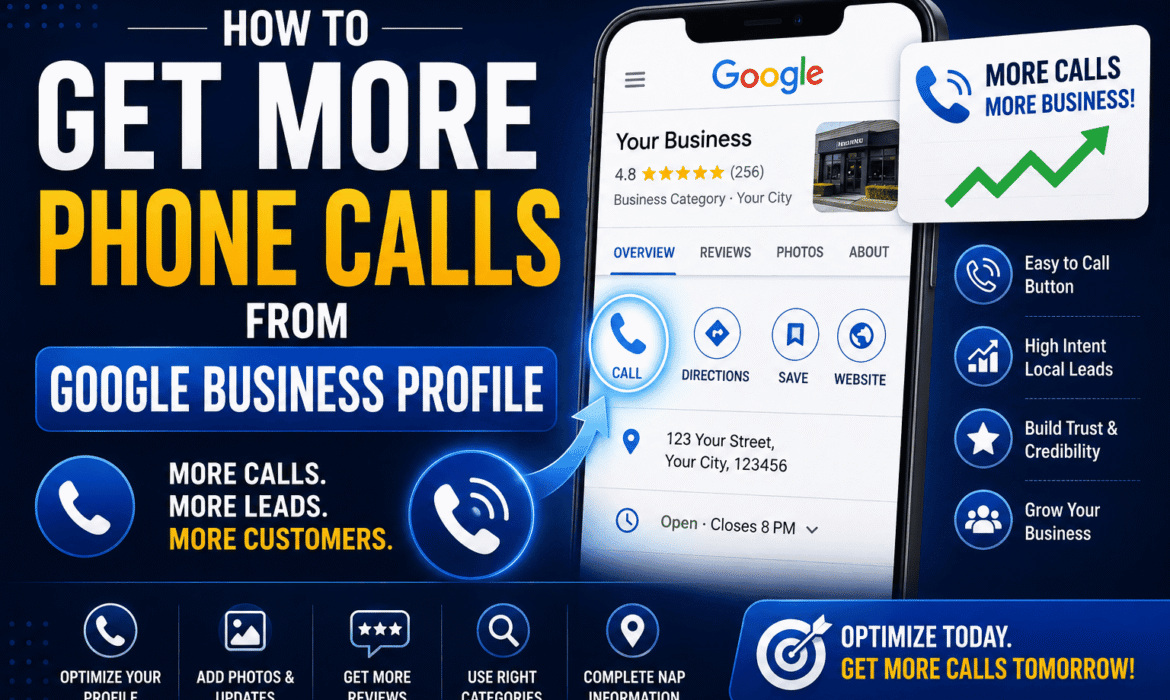
For most local businesses, a phone call is the single most valuable action someone can take on Google — it means they’re ready to talk, book, or buy right now. If you’re getting views on your profile but not enough phone calls from Google Business Profile, the good news is that this is almost always fixable with a few specific, practical changes. Here’s exactly what to focus on.
Website visits and profile views are useful, but a phone call signals real intent — someone has already decided you’re worth contacting. Optimizing specifically for calls, not just visibility, is one of the fastest ways to turn your Google presence into actual business. This builds directly on general Google Business Profile optimization, with a sharper focus on the call button itself.
This sounds obvious, but it’s one of the most common issues. Your phone number should:
Even small mismatches (different formatting, an old number still listed somewhere) can quietly cost you calls.
Google uses your business category to decide when and where to show your call button prominently, especially in local map searches. An overly broad or incorrect category can mean your business shows up for the wrong searches, or gets buried under more relevant competitors.
If your listed hours don’t match your actual hours, customers may avoid calling assuming you’re closed — or worse, call when you’re not available and never try again. Update holiday hours and special closures promptly, since Google actively prompts users with “closed now” or “open now” labels that directly affect call likelihood.
Profiles with genuine, recent photos of the business, staff, and work build more trust than generic or missing images — and trust is a major factor in whether someone picks up the phone to call a business they’ve never used before.
Reviews are one of the strongest trust signals on your entire profile. A steady stream of recent, positive reviews — especially ones you’ve responded to — reassures potential customers before they even call. Businesses with very few or outdated reviews often lose calls to competitors with a stronger review presence, even if the service quality is similar.
Regular Google Posts (offers, updates, announcements) keep your profile active and give people a reason to engage right now. Posts with a clear call-to-action, like “Call now for today’s availability,” can nudge someone from browsing to calling.
While messaging isn’t a call itself, it captures people who aren’t ready to call yet but want quick answers. Responding promptly to messages often leads directly to a phone call once basic questions are answered.
Your business description should clearly state what you do and who you serve, so people calling already have the right expectations. A vague description leads to mismatched enquiries or no calls at all, since visitors aren’t confident about what you actually offer.
Google Business Profile shows you how many calls your listing generated, and when. Reviewing this regularly helps you understand which days, posts, or changes actually moved the needle, so you can double down on what’s working.
Profiles with missing information — no website link, no service list, no attributes — appear less trustworthy and complete than fully filled-out competitors. A thorough profile signals a serious, active business, which quietly increases the likelihood someone picks up the phone.
If you’ve covered all of this and calls still aren’t coming in, the issue may be deeper — low visibility in local search results, strong competition nearby, or a profile that needs a full audit and rebuild. This is where Baba Advertisers’ Google Business Profile and digital advertising services come in, helping local businesses build a profile that’s not just visible, but actually converts views into calls.
Why is my Google Business Profile getting views but no calls? This usually points to trust or clarity issues — incomplete information, few reviews, outdated hours, or an unclear description can all stop someone from calling even if they’ve found your listing.
Does responding to reviews actually increase calls? Yes. Responding to reviews, especially recent ones, builds trust and signals an active, engaged business, which makes potential customers more comfortable calling.
How often should I post on Google Business Profile to get more calls? Posting weekly, or whenever you have a relevant update or offer, helps keep your profile active and gives people a fresh reason to take action.
Can I see how many calls my Google Business Profile is generating? Yes, Google Business Profile Insights shows you call data, including how many calls came from your listing over a given period.
What’s the fastest way to increase calls from my profile? Fixing your phone number consistency, updating hours, and actively collecting reviews usually deliver the fastest, most noticeable improvement in calls.
Related Reads:
Not getting enough calls from your Google Business Profile? Talk to Baba Advertisers — we’ll help optimize your listing to convert views into real enquiries.